
Notes # 28: Accessible POS, A11y For AI Agents, Decorative Images...
Created while listening: Remi Wolf – Mud
Personal Notes
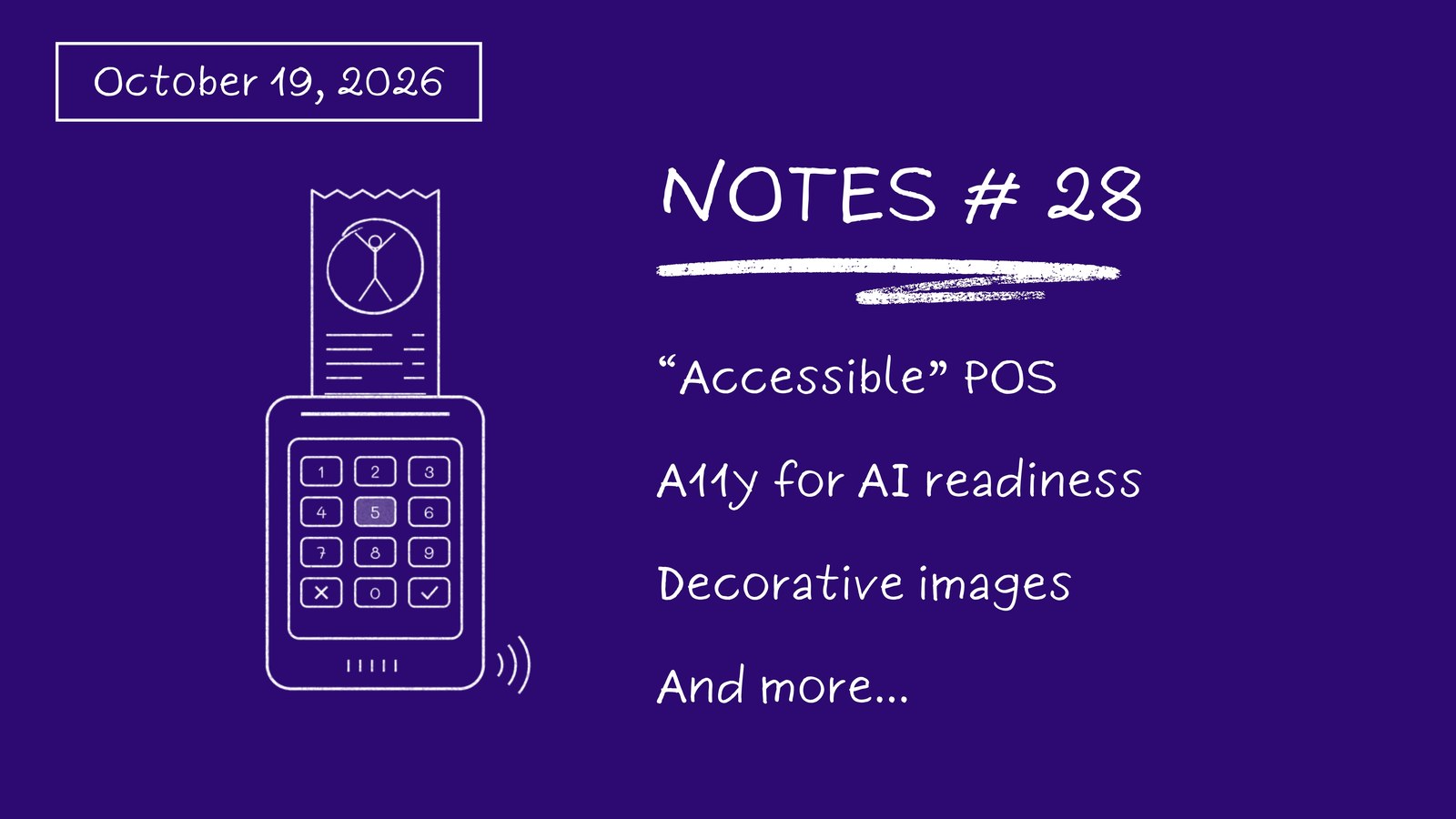
In the previous Notes, I mentioned my trip to England, and I will continue to share my memories. In Chester, a small city in Northern England, I encountered an accessible touchscreen POS device for the first time. It was very surprising and puzzling. On mobile screen readers, you swipe your finger from left to right to move to the next item, but on that machine, you have to swipe from top to bottom. Since I didn’t listen to the instructions on my first try, I couldn’t use the device. On my second try, I listened to the instructions and managed to move to the second step: entering my PIN. Unfortunately, I couldn’t navigate between the numbers. When I luckily found a number, I pressed it, and the machine announced: “You pressed 5.” That meant all the other customers could hear my PIN. Afterwards, I gave up, told my PIN to the cashier, and she typed it for me.
Why don’t you use basic screen reader controls like those on mobile phones, and why are you announcing my PIN to the whole world, dear so-called “accessible POS” manufacturer?
News
Organisations File Complaint Against Belgium For Deepening Digital Inequality
Source: European Disability Forum
We are always talking about digital accessibility and compliance, but not everyone has access to digital means. Additionally, digital literacy can be a problem when accessing services online. For this reason, digital means should not be the only way to access basic governmental services. However, in Belgium, this is exactly what is happening. Digital means are increasingly no longer just an option, but the only way to access certain public and essential services. A group of pan-European organizations is advocating for access to essential public, private, and social services through non-digital means. This is important news for me because the discussion here is not about WCAG or compliance; it is about providing alternatives for inclusion.
AudioEye Study Finds Up To 68% Drop In AI Agent Task Completion On Inaccessible Websites
Source: AudioEye
AudioEye found that “Agents completed 96% of tasks on an accessible site and 31% on an inaccessible version of the same site.” In the coming days, the capability of AI agents may increase, so we may not see a critical difference in task completion rates when comparing accessible and inaccessible websites. However, tokens used are another critical finding of the study: “Agents used 43% more tokens on average on inaccessible sites, and up to 6x at the extreme”
Augusta Seeks Public Input On New Logo To Improve Accessibility For Visually Impaired
Source: Yahoo News
Yes, logotypes are WCAG exceptions, and we don’t usually talk about them. However, handwritten logos are horrible for partially sighted people, as they are not readable. The City of Augusta also has this kind of handwritten logo. The city council decided to change its visual identity after hearing feedback from the visually impaired community and has started a survey to gather further feedback. I also recommend that you take a look at the survey. It contains very simple, goal-oriented, and direct questions.
Inspirations
It's Time To Retire The Concept Of Decorative Images
Source: Nicolas Steenhout
“An image can be non-informative without being meaningless.” Yes! There is so much discussion around visual description, what should be described and how. As a result, when we can’t find answers to these questions, we tend to mark visuals as decorative. On the other hand, as Nicolas Steenhout mentions, most images add context and mood to a website. Even though blind people cannot see, they know the visual world and can understand what is happening. For this reason, don’t use the term “decorative” as an excuse for “I don’t want to write alt text for this.”
Crafting WCAG 3 For More Accessible User Experiences
Source: W3C
As I understand from Shawn Henry’s article, the Accessibility Guidelines Working Group seems to be fed up with being treated as official lawmakers. And they are right. WCAG provides accessibility standards, while laws and regulations are the official frameworks that enforce WCAG conformance. Therefore, building a bridge between applicability and user needs is not W3C’s responsibility; their main responsibility is to define and document user needs. On the other hand, W3C often ends up acting as a balancing authority to find common ground among all stakeholders. As people with disabilities, we must continue to voice our needs to the W3C and ensure they remain central to the standards.
Can You Make The Web Easier To Read? Spin The Wheel And Find Out!
Source: A11y Explained
Honestly, I am bored of articles that just say “do this and don't do that for accessibility.” That’s why I love Diana Khalipina’s Dyslexia Awareness Wheel. She offers practical suggestions that can improve the experience of people with dyslexia, which you can explore by spinning the wheel. It's a very simple form of gamification that could easily be used for corporate awareness-raising activities!
In Detail: What Did We Focus On For Alt Texts At Turkish Airlines?
Read this article on its own page
We recently completed a study on image descriptions for the Turkish Airlines mobile app and website. Throughout this process, we tried to write descriptions tailored to the purpose of each page. Here are the details:
Baggage Descriptions: As you work in the aviation industry, you notice that passengers frequently confuse concepts like cabin baggage and checked baggage. Therefore, we added alt texts to the initial baggage selection screens in both the Turkish Airlines and AJet mobile apps. Of course, when writing these texts, we didn't just use generic phrases like "cabin baggage." The reason these images exist on the page is to help sighted users understand what cabin baggage is by looking at the picture. Naturally, the alt text needed to be just as clear. That's why we wrote the descriptions to indicate size as much as possible, such as "a wheeled hand luggage reaching the passenger's knee level is being placed into an overhead bin."
Ancillary Service Descriptions Conveying a Premium Experience: On the ancillary services page, the visuals used to convey a sense of premium service feature mouth-watering meals and smiling staff. To better communicate these services, we included both the staff and the served meals in our description texts.
City Pages: Work on these pages is still ongoing. Passengers visit the "Explore" pages to get inspired and find out where they can visit. They want to enjoy the experience. For this reason, we try to keep the image descriptions a bit longer and more detailed here. For instance, instead of writing "city view," we write something like "colorful houses side by side look glowing at night. In front of them is a cobblestone street with a few people walking."
Get Each Issue By Email
New notes, news and an album recommendation, straight to your inbox. Free, and you can unsubscribe anytime.
You will get a confirmation email first. Subscriptions are handled by Buttondown.